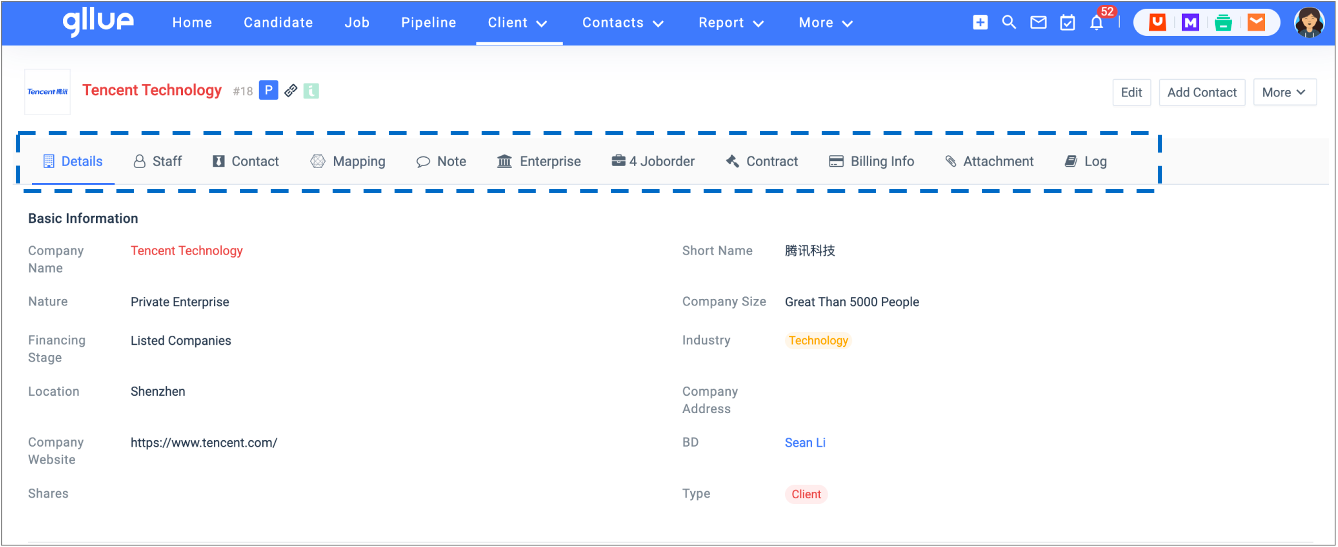
1.1 Company Type
You can save the organization that you interact with as a company record in Gllue. On the company record, consultants can store and review information about the organization.
1.1.1 Default company types
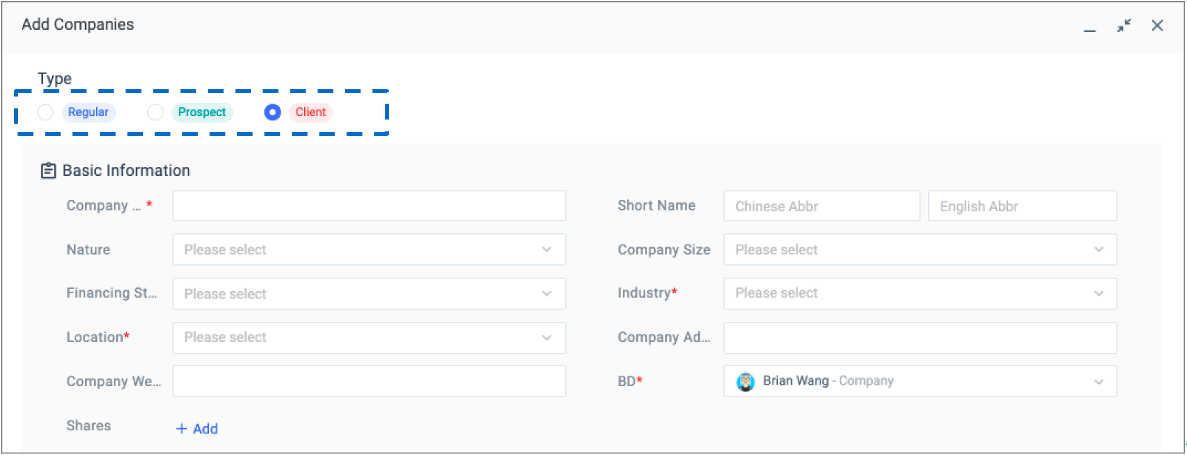
- Regular: Companies targeted for development or companies that temporarily have no defined BD purpose.
- Prospect: Companies in business development process, or companies with trial cases without a signed contract yet.
- Client: Companies with valid contract.
1.1.2 Hidden company types
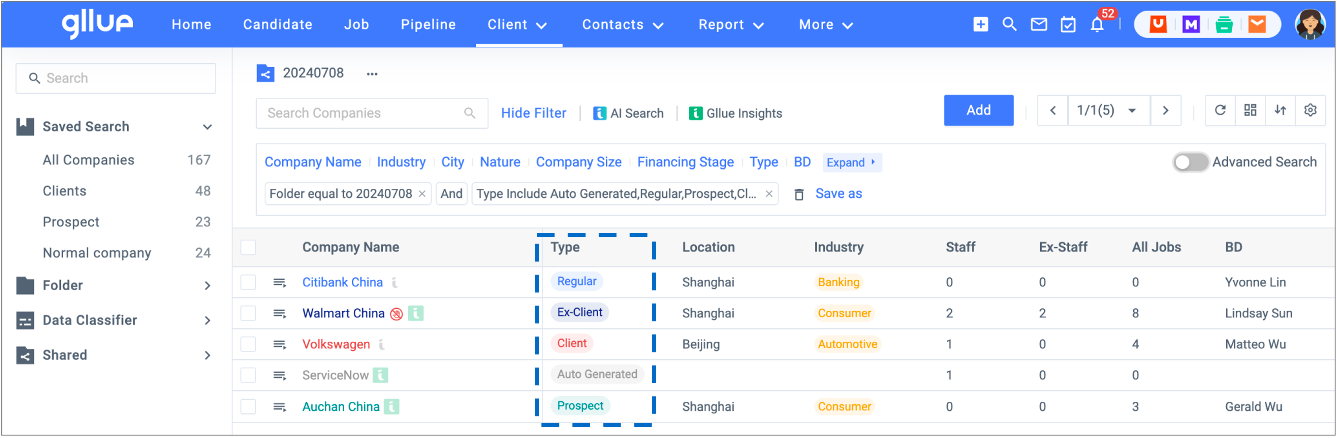
- Auto-generated: Gllue automatically creates company profiles (only contains company names) according to the company names in the resumes when candidates’ resumes are parsed.
- Ex-Client: Companies without a valid contract and it is no longer receiving any form of services.
1.1.3 Company’s Details Page
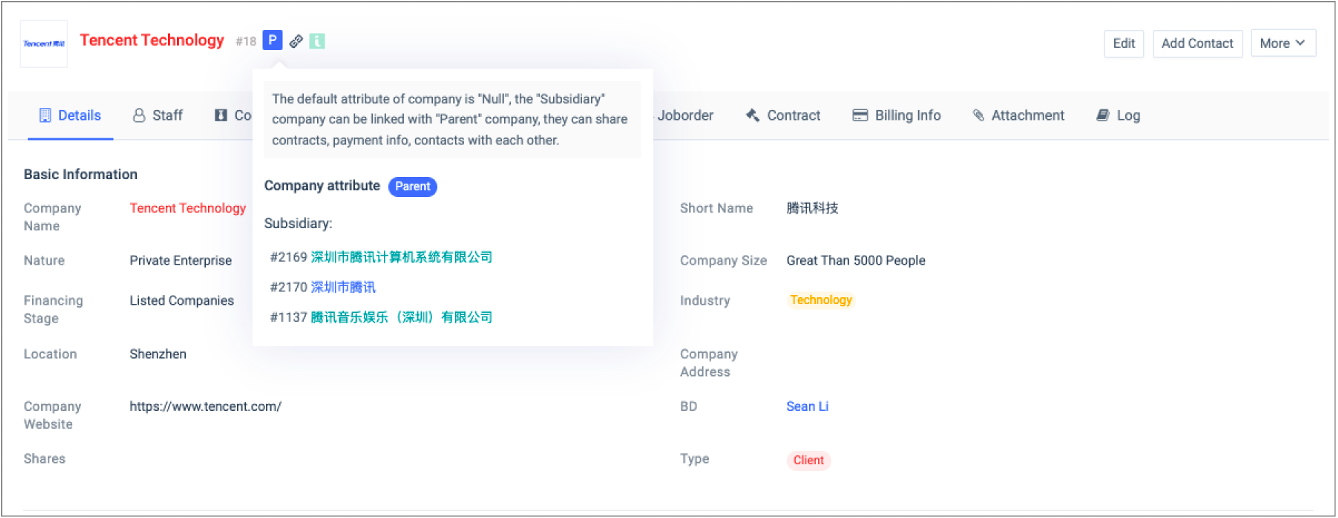
The details page of a company presents information related to the companies. A quick tour of the Company’s details page:
- Owning BD consultant
- Legal entity name
- Parent/Child company
- Industry
- Location
1.1.4 Associate Company with Other Records
You can create a 360-degree view of the client to display all the associated details, such as contacts, jobs, attachments, notes and contracts in a single view.