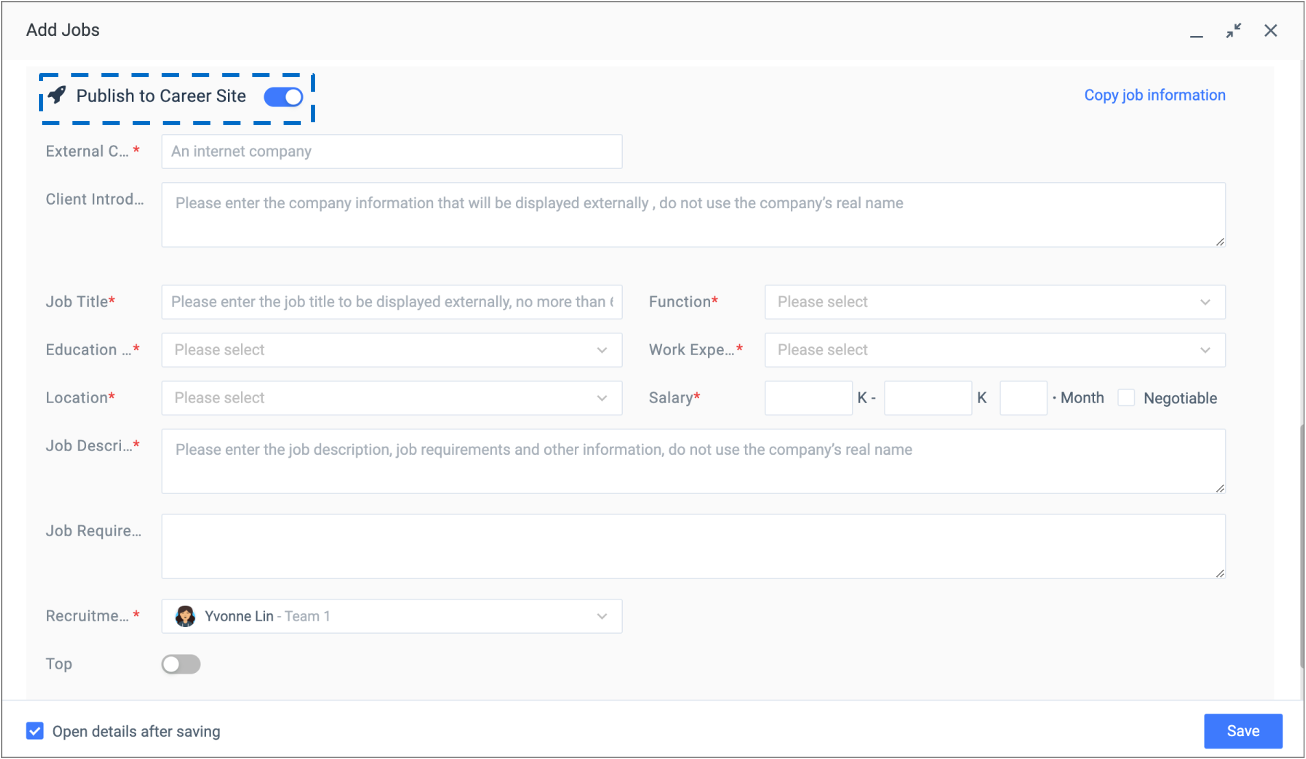
2.2.1 Publish a job to Career Site when creating the job
When creating a new job, switch on the ‘Publish to Career Site’ button of the job creation page to enable the posting editor and fill out the fields for the content of the posting.
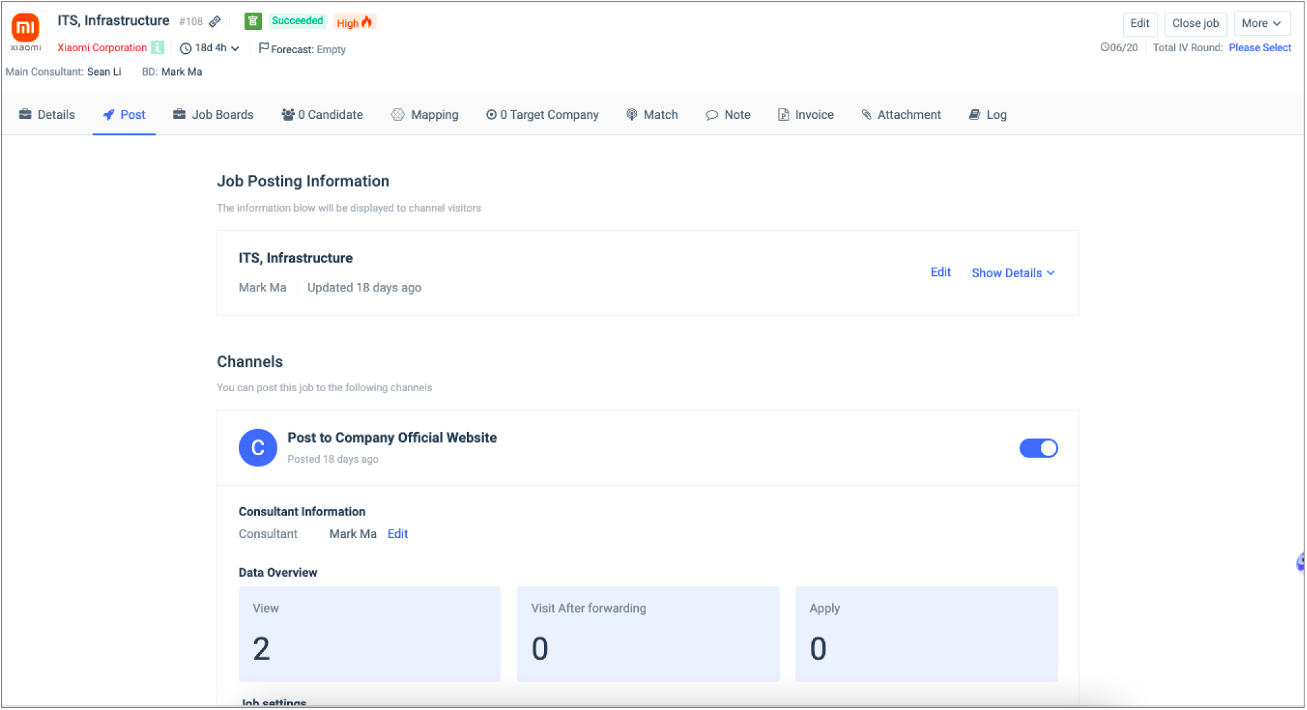
2.2.2 Publish an existing job to Career Site
For existing jobs which have not been published to Career Site, users can complete the posting process on the Job Details page. Go to Job Details page, click ‘Post’, and take the following steps:
- Step 1: Fill out the fields on the Posting Editor
- Step 2: Turn on ‘Publishing’
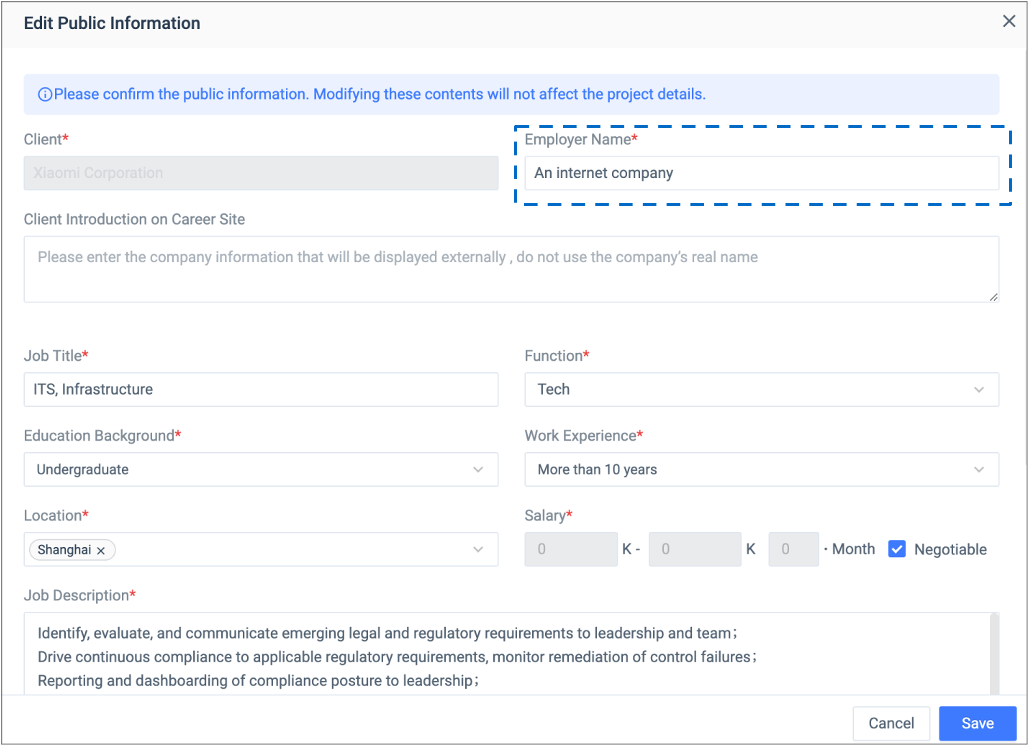
2.2.3 Employer Name
‘Employer Name’ is a default field of the posting editor which cannot be removed. Make sure the posting owner only input the employer’s name that is appropriate for external distribution as it is visible to anyone.