Adding a candidate will create a new candidate profile. There are 4 ways to add new candidates in your Gllue environment.
4.1.1 Via Gllue WaterDrop®
Pull candidate information from the sites on which you are sourcing via Gllue WaterDrop.

4.1.2 Manual Upload
Add a new candidate directly by clicking ‘+ Add’ and upload a CV which will be automatically parsed.
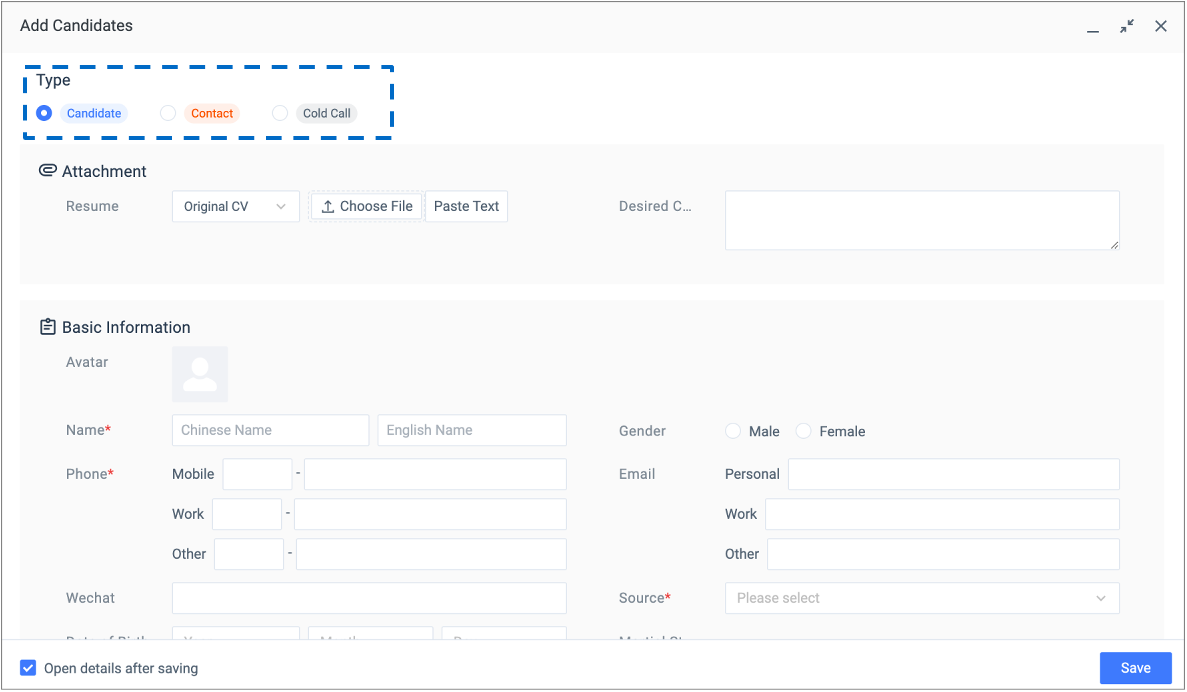
When creating a candidate profile, the first thing is to set the type of the candidate. There are three types you can choose:
- Candidate
- Contact
- Cold Call

4.1.3 Excel Import
By clicking ‘Import from Excel’, you can add new candidates by importing candidates records that are saved in Excel lists.

4.1.4 Bulk Upload
Drag and drop folders of resume files.