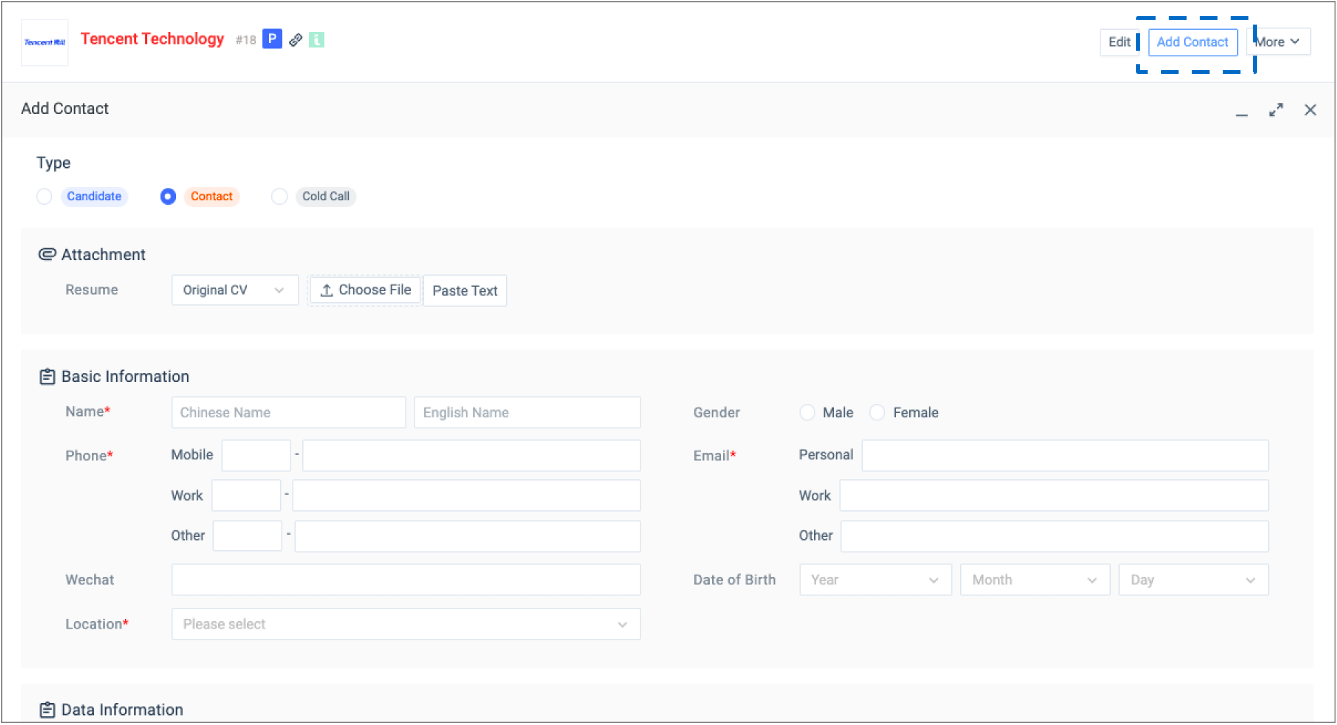
1.2.1
Go to the company profile at your choice, click ‘add contact’ to create a new contact under the existing company.
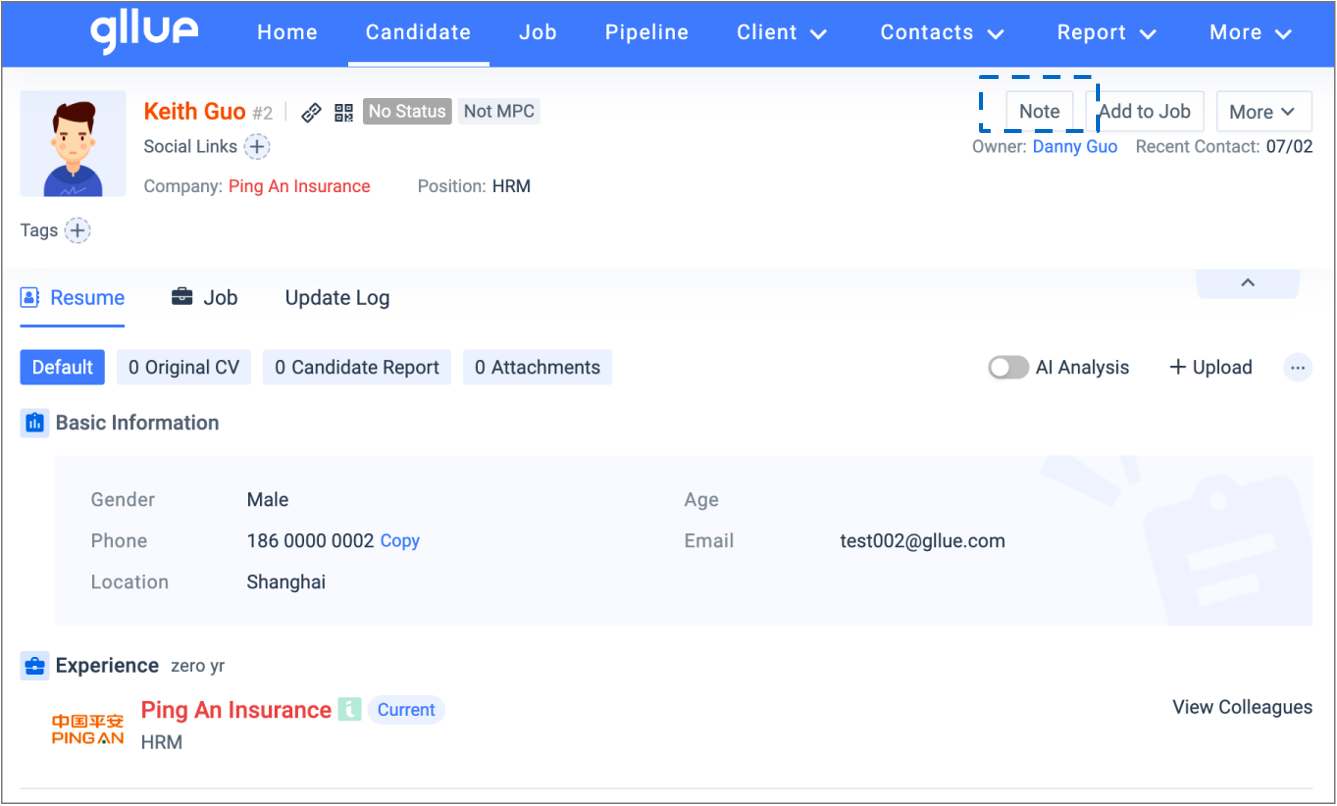
1.2.2
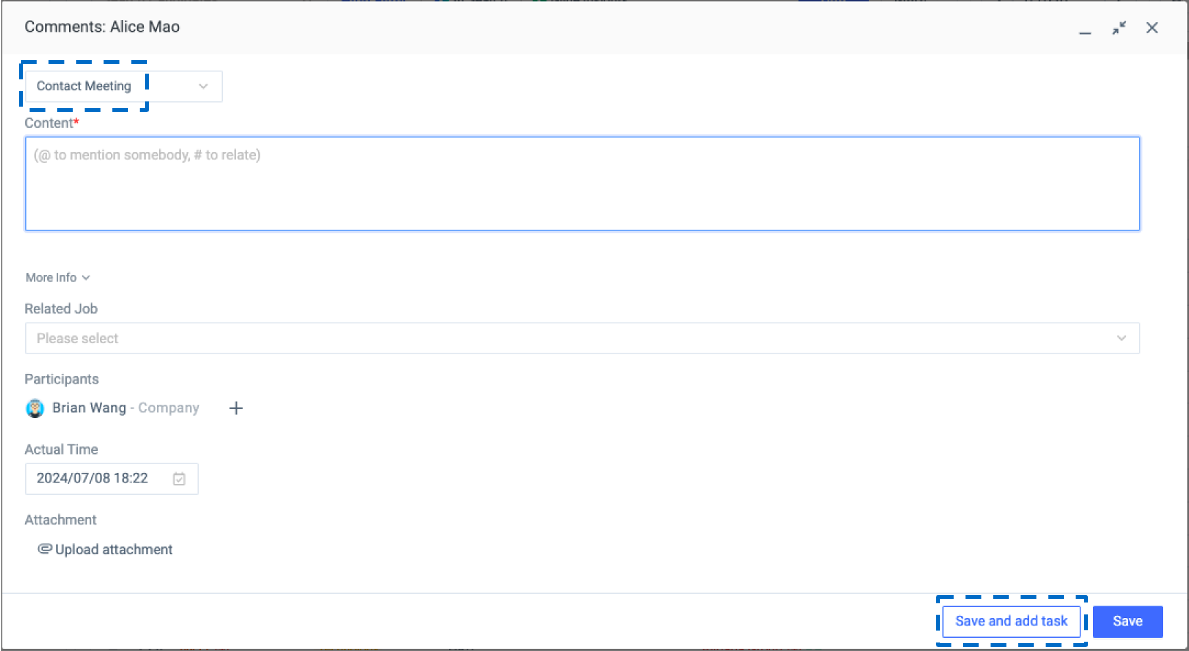
Go to the contact you created, click ‘Note’ to add a new note against the existing contact. Note types related to BD scenario include:
- BD Call
- Contact Meeting
1.2.3
After editing the note, click ‘Save and add task’ to create a Gllue calendar task against the contact.
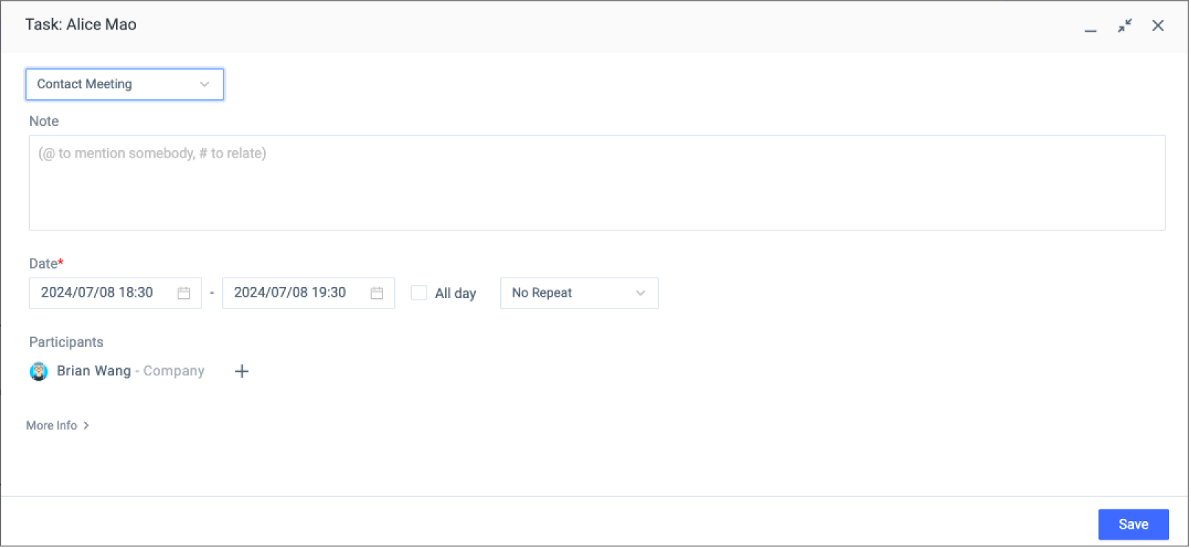
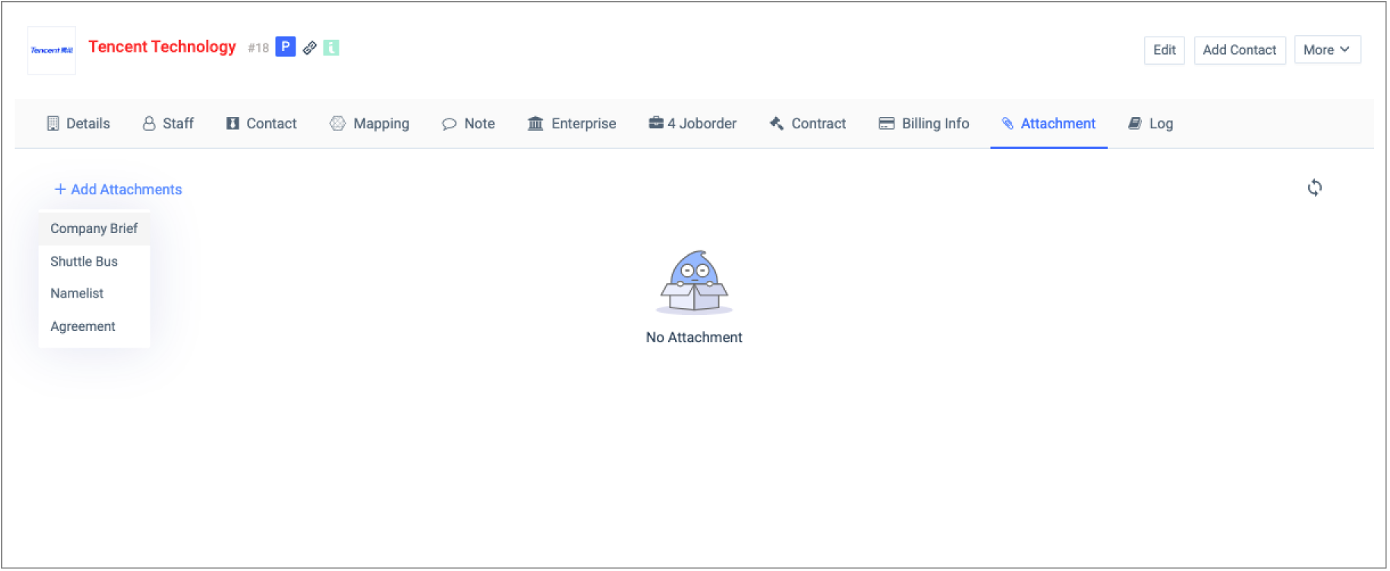
1.2.4
Go back to the company profile, upload relevant BD materials for the client visit as attachments under the company profile. If you upload relevant BD materials as attachments under the contact, when the contact changes jobs, you will not be able to see the attachments under the company where the contact previously worked.